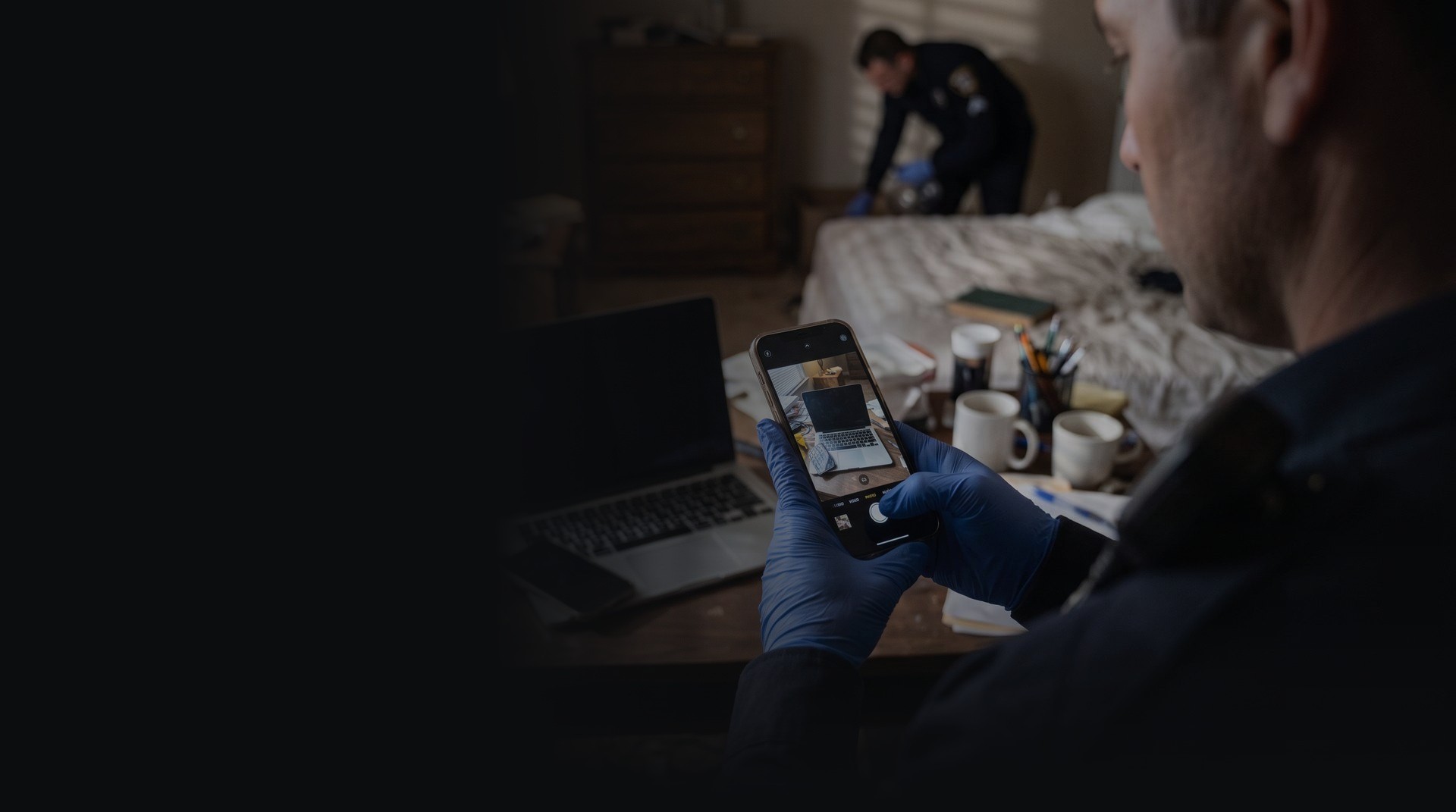

Search in Progress
Capture exhibits at the scene. Photograph the scene. Collaborate as a team – completely offline.
SIP — (Search in Progress) is a mobile exhibit and scene documentation app for law enforcement. Record photographs, exhibit details and locations as you search, documenting every detail from the moment an item is found.
Work independently on one device or connect your team to a portable Wi-Fi router to documnet collaboratively. No internet or cellular connection required. Available on both iOS and Android.
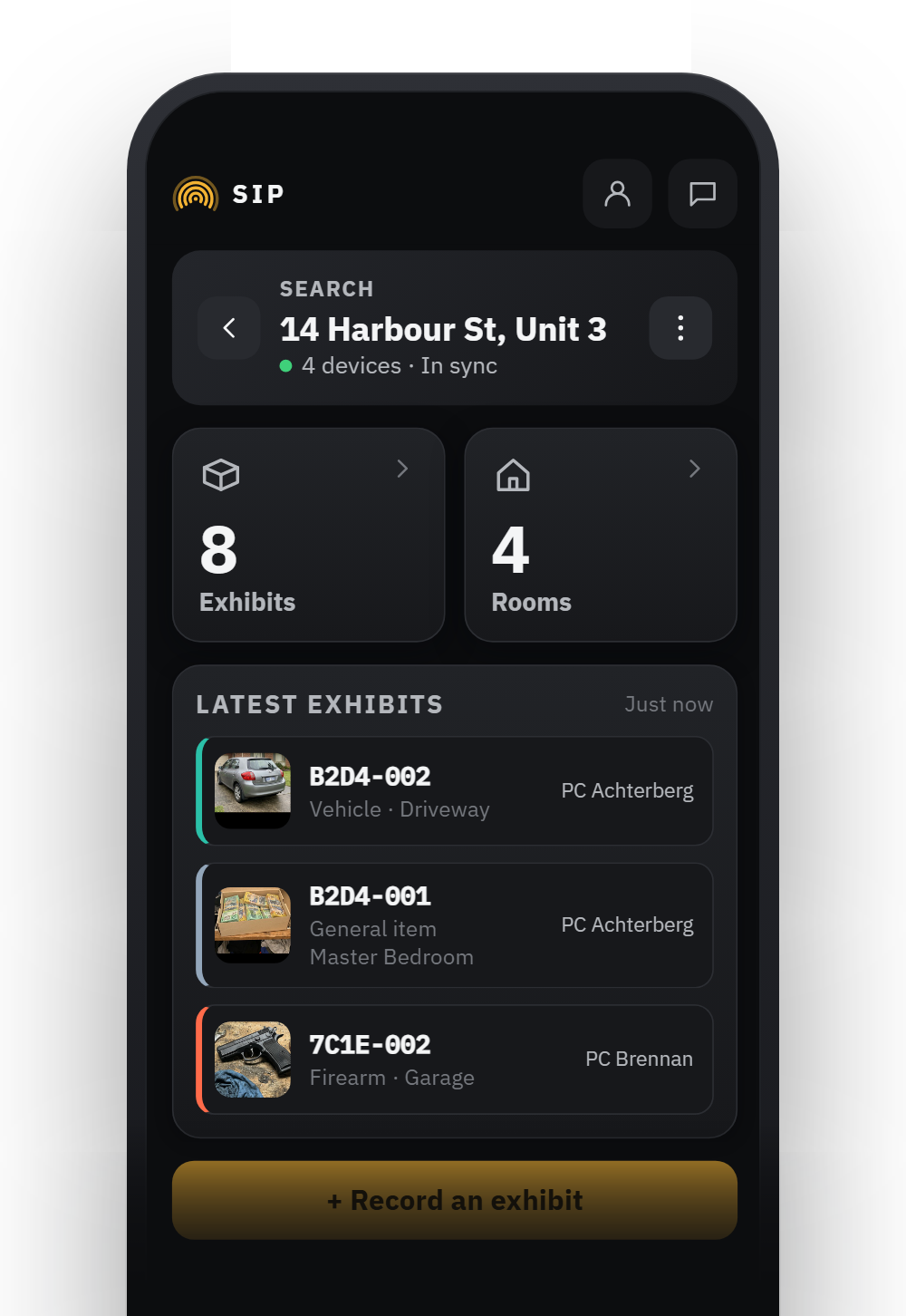
Bring you own devices.
SIP can be used on any Android or iOS mobile device or tablet.
MINIMUM Recommended specifications
Camera
12MP camera
Connectivity
Wi‑Fi
iOS
Version 24 or later.
Android
Version 16 or later.


From discovery
to report.
SIP enables officers to document every stage of a search, from the initial discovery of exhibits through device triage, seizure and final reporting.
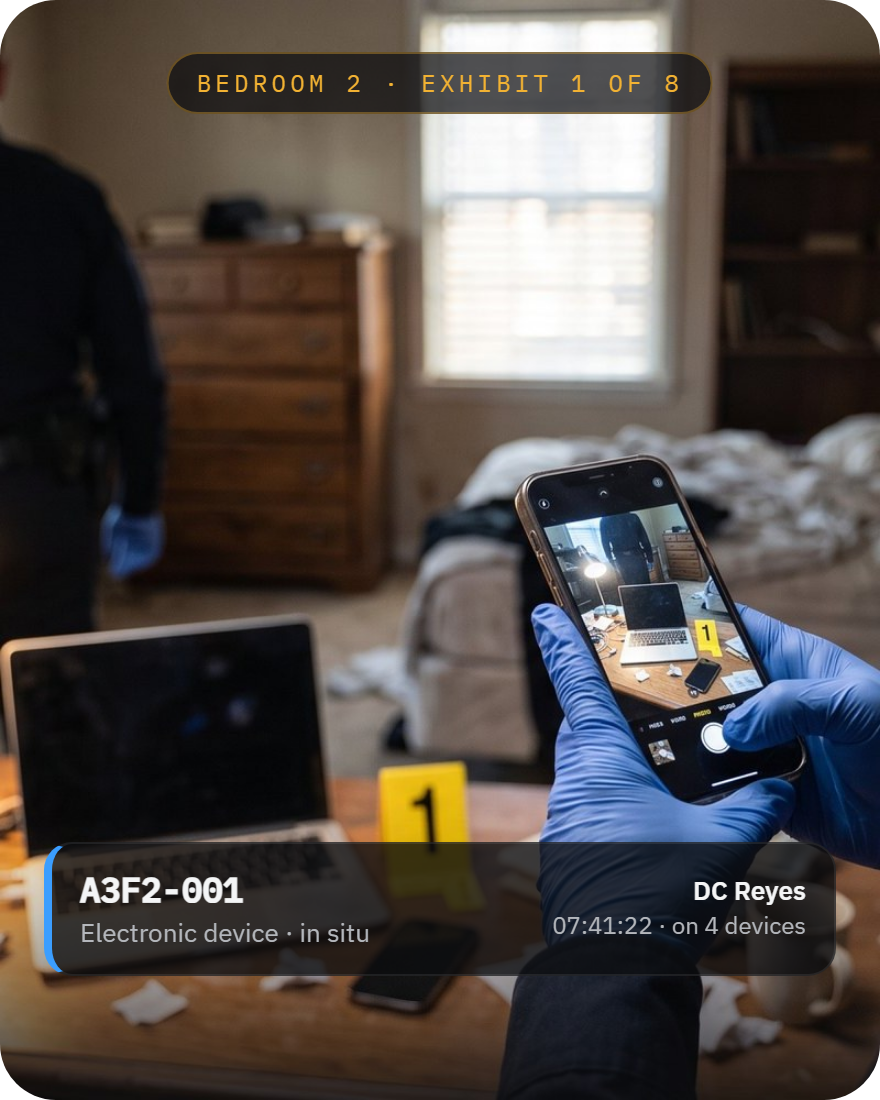
STEP 01
Capture the exhibit
Photograph each exhibit in situ. Document the type of exhibit and where it was found.
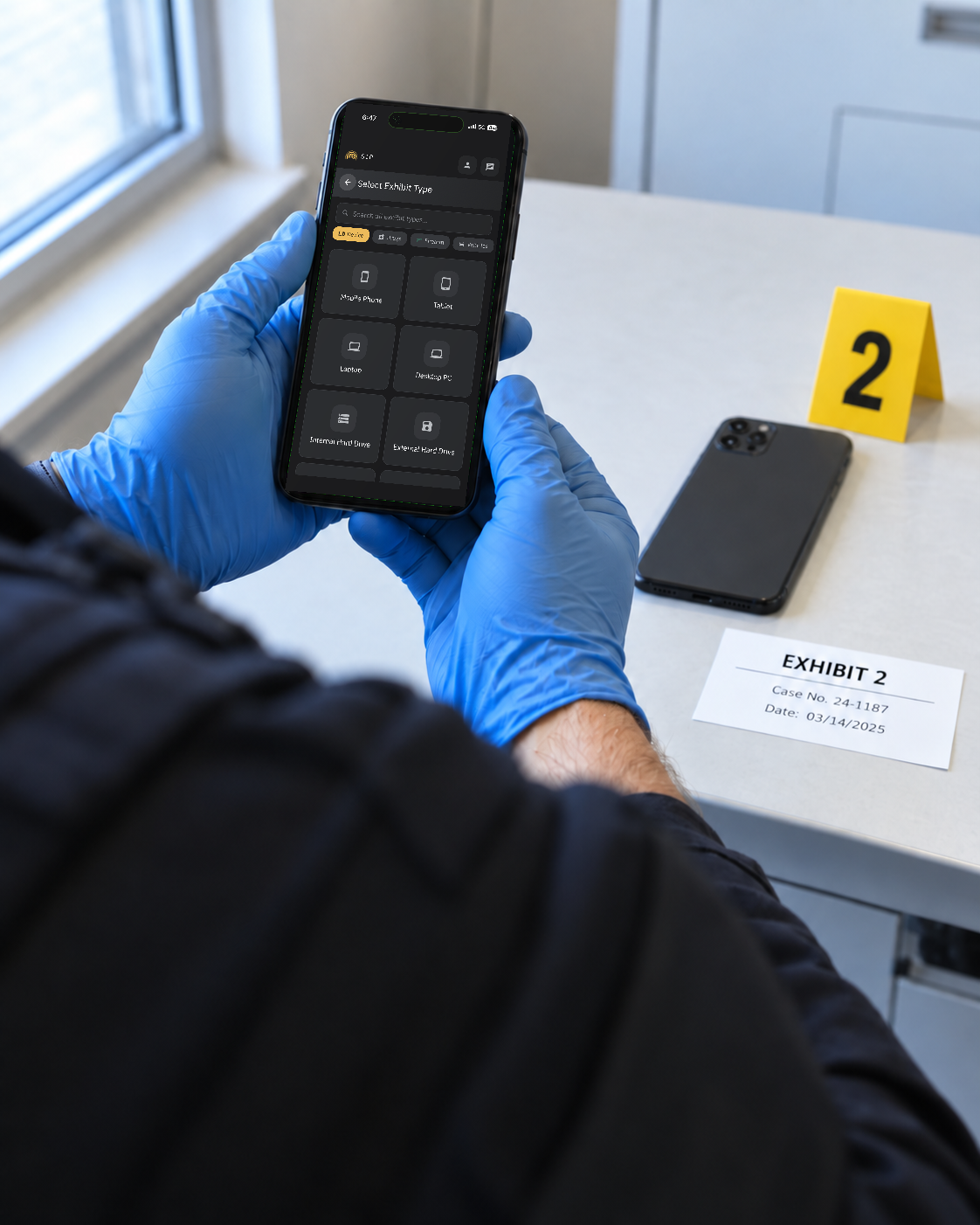
STEP 02
Complete exhibit details
SIP allows you to record multiple identifiers, including — make, model, serial number, caliber, weight. These fields change according to the type of exhibit specified.
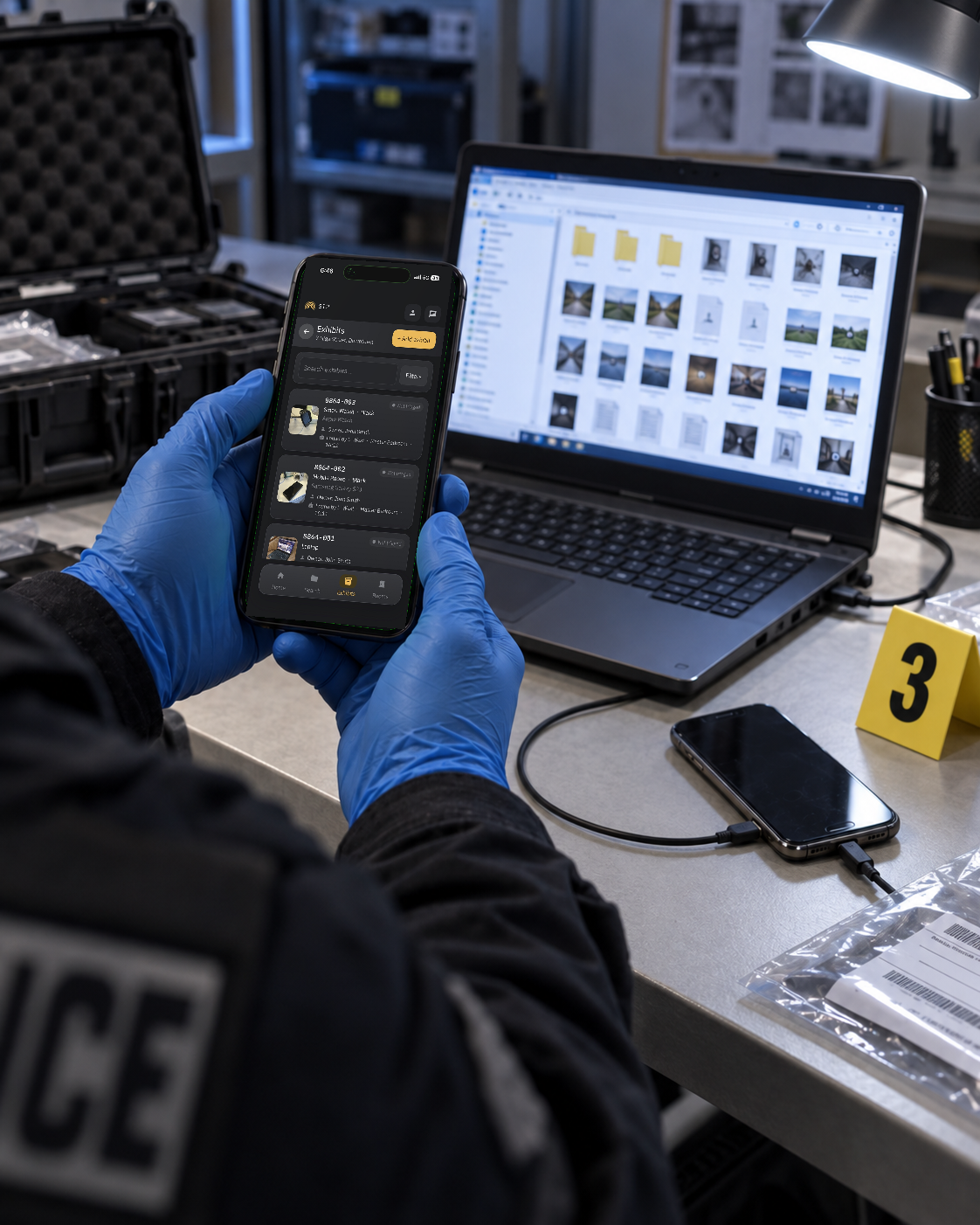
STEP 03
Triage at the scene
When traiging exhibits, SIP allows detailed notes to be added to the exhibit record. Who traiged the exhibit?, what was found? Photographs of the traige process can also be captured.
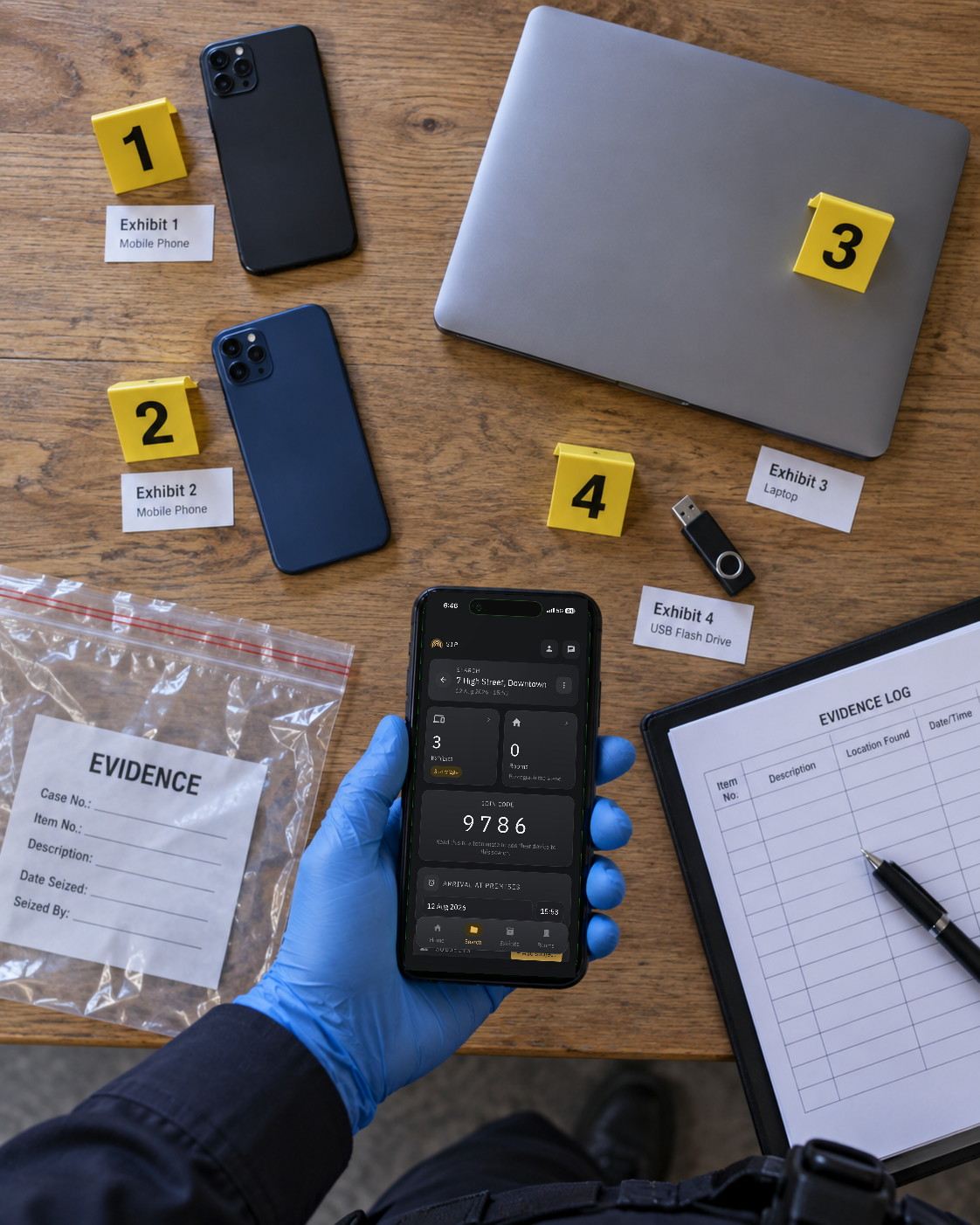
STEP 04
Mark devices being seized
Flag which devices are being seized, so the record shows exactly what’s leaving.
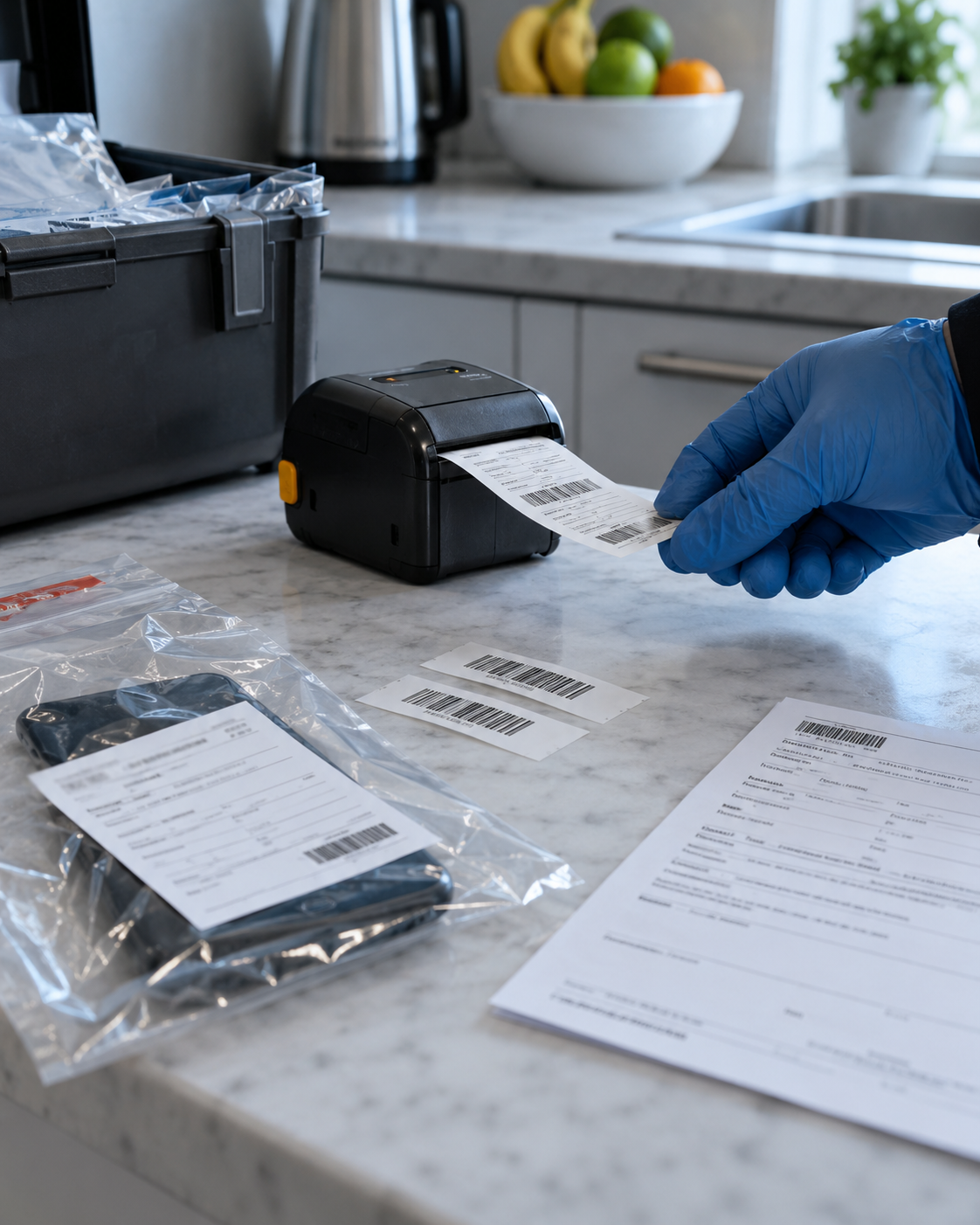
STEP 05
Print receipts & labels
Print seizure receipts and continuity labels, prefilled with the details already recorded.
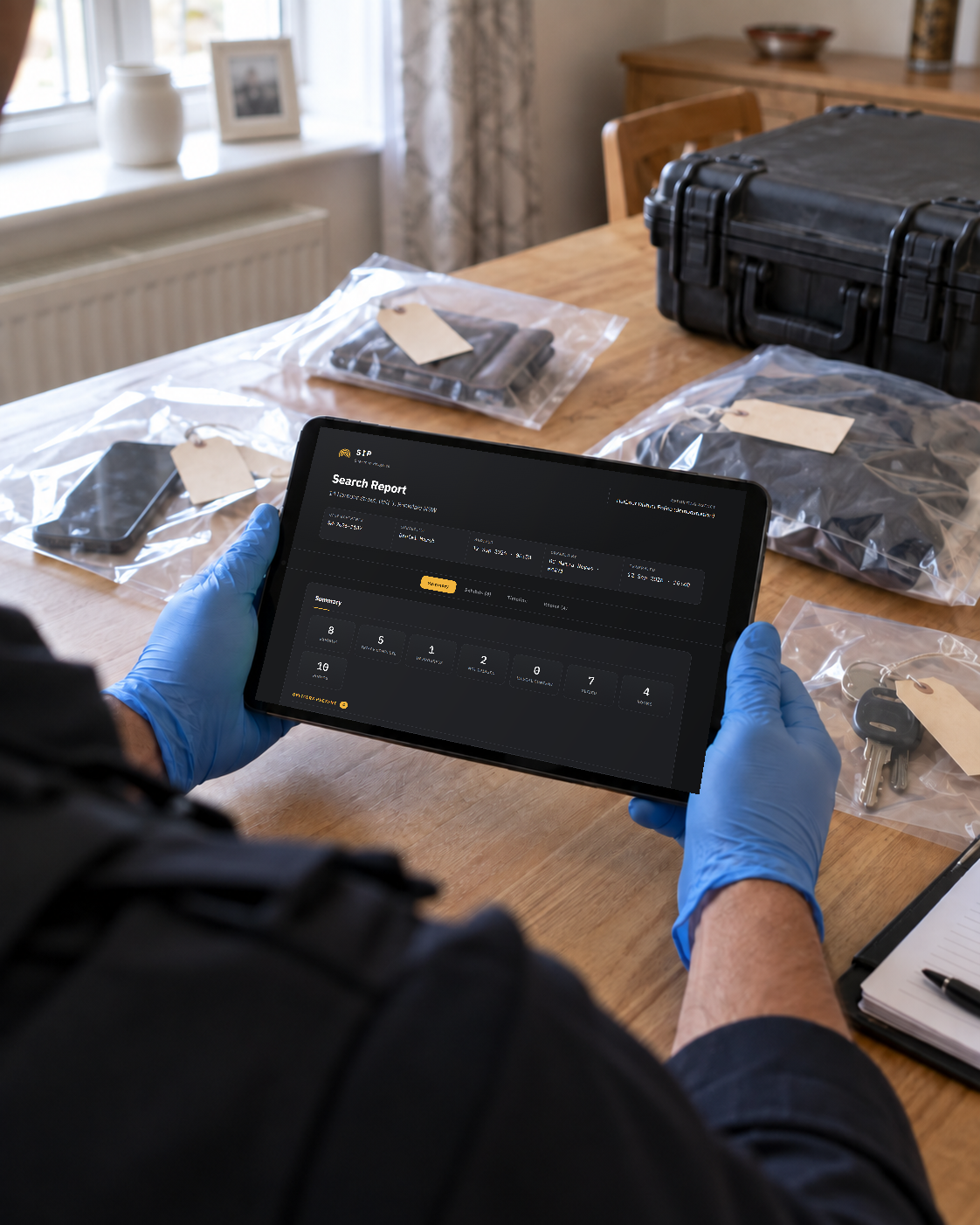
STEP 06
The comprehensive report
At the end of the search, SIP produces a full report of every exhibit and the scene — ready to download from the device.
Turn scene documentation
into a clear, structured report.
Bring search details, exhibit records, photographs and the timeline together in one detailed report.
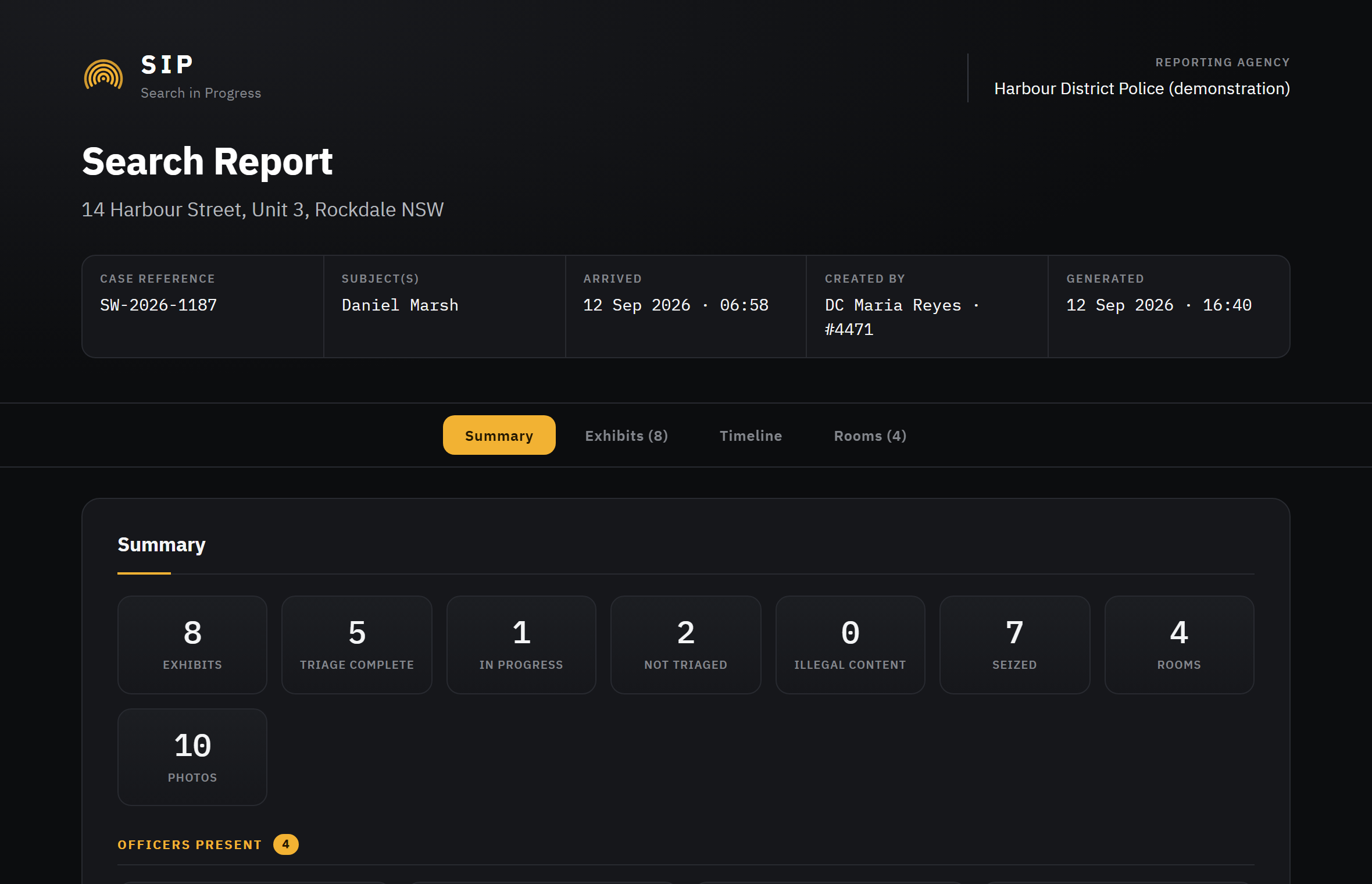
A preview of the example report. See how SIP presents a documented search — every name, address and exhibit in the example is fictional.
Work independently or together.
Completely offline.
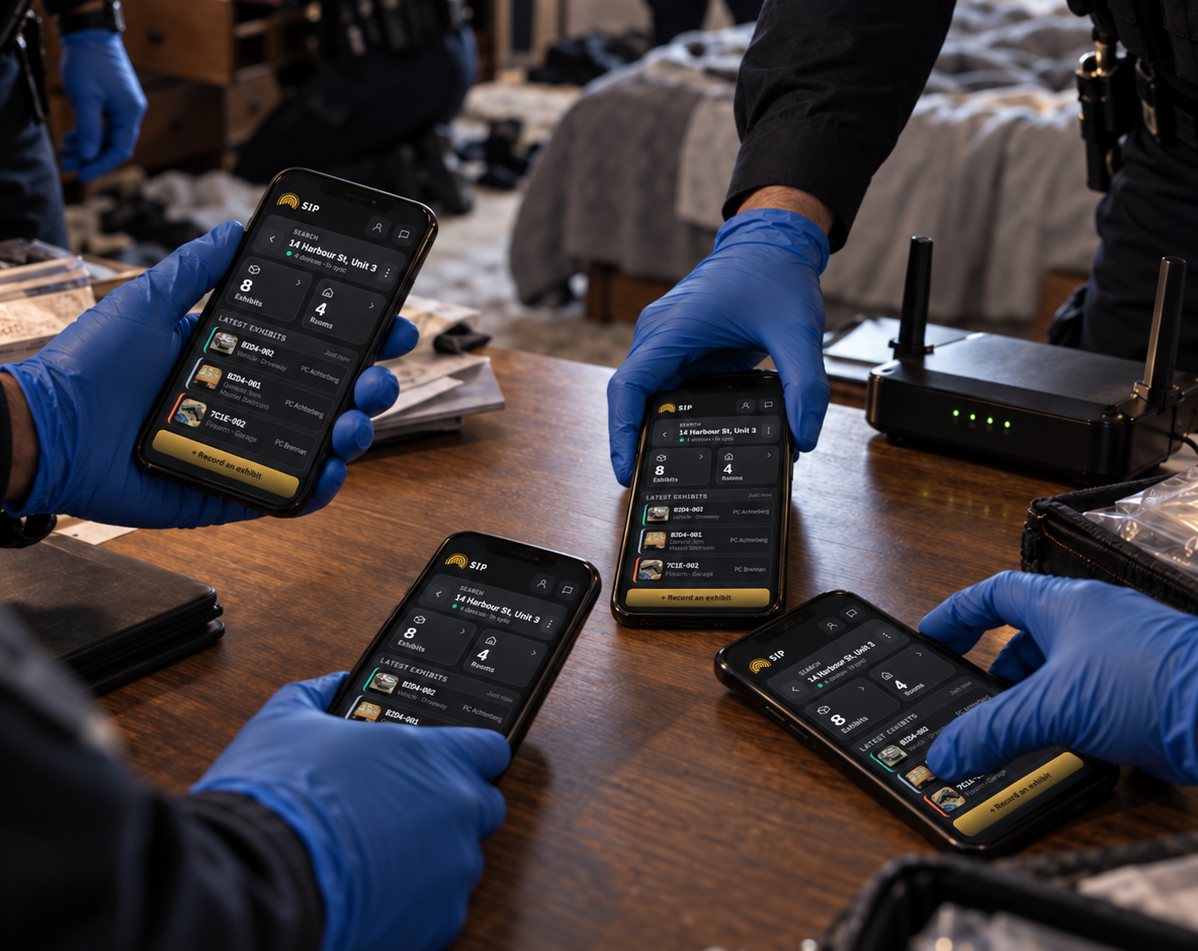
Multiple officers. Multiple Devices. All in sync.
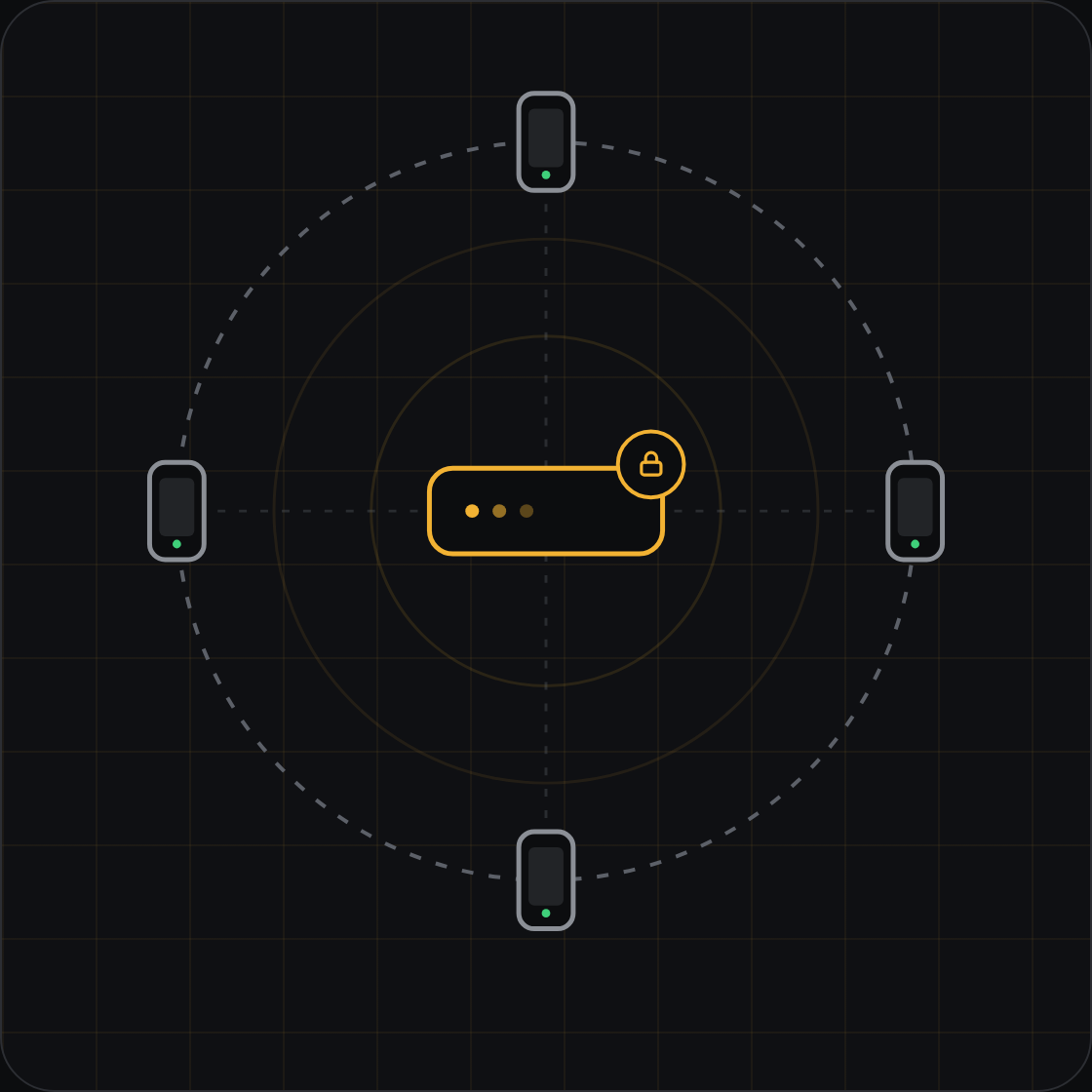
To enable team collaboration, set up a Wi‑Fi network at the scene. We recommend a portable router, this allows devices to connect and communicate with each other without the need for an internet or cellular connection.
Wi‑Fi is only required to synchronise data between devices and collaborate as a team. The router does not require an internet connection.
Encrypted and offline by design.
SIP does not require cloud hosting, a central server or an internet connection. All data remains solely on the devices used at the search.
Sync is encrypted with AES‑256‑GCM between your unit’s devices.
Only devices set up with your unit’s sync encryption key take part. Officers reuquire a 4 digit code to join a search.
No SIP accounts, no analytics, no advertising, no data collected.
Once a search is concluded, a search report (zip file) can be downlaoded from the device. The search report contains a detailed HTML report of exhibits and scene locations documented, as well as all photographs and vidoes captured by the team.
One annual licence.
Sized to your team.
Every plan includes every feature.
Choose a device allowance that suits your team, with predictable annual pricing. Individual licence codes are provided for the devices covered by your licence. *Prices dispaled in Austalian dollars (excluding GST) and are subject to change at any time.
Plan
Devices
Per year
Team
A single search team.
Up to 15
AU$ 4,000
Task Force
A large team.
Up to 50
AU$ 8,000
Agency
Every search unit.
Up to 200
AU$ 25,000
Agency Plus
Every device in the agency.
Unlimited
AU$ 45,000
Put SIP to work
on your next search.
Capture details where they matter. Keep your team informed. Spend less time compiling the report.
01
Tell us about your unit
Send the form and we’ll reply with a live demo time or trial codes for your devices.
02
Trial on your devices
Trial codes unlock the full app on the devices you choose, licensed until the trial ends.
03
Deploy privately
SIP is delivered to your agency by private distribution, for example Apple Business Manager custom apps.
Thank you
We use this only to arrange your trial, demo or quotation.
Common questions
What do i need to get started with SIP?
All you need is a compatible iOS or Android device. If you plan on working as a team at searches, you will require a Wi-Fi router at the scene. The Wi-Fi router does not require an internet connection. The Wi-Fi is only utalised for SIP device to device communication.
Does SIP replace our exhibit management system?
No. SIP only records the details of the search, exhibits found and the scene locations. A report containing all these details recorded at a search can be genaretd from within the app.
How do I download the report?
In the app, open the search -> tap on Search Report -> This will generare the report (zip file) containig an HTML file and a folder with all the photographs and videos captured. You will be preseneted with an option to save the report -> insert a USB Type C hard drive into the USB port of the device -> Save it to the external hard drive. You can then copy it over to any computer for permanent storage.
What happens when a licence expires?
Nothing is lost. There’s a 14‑day grace period, your data stays on the device, and entering a new licence code picks up exactly where you left off.

SIP — Search in Progress
Offline exhibit documentation for law‑enforcement teams.
By Lesser Innovations.
© 2026 Lesser Innovations.
SIP requires an active licence and is intended for authorised law‑enforcement personnel.

